
Windows Incident Response and Security
:::info For hands-on practice, you can install a Windows Server system on a cloud service.
I use Alibaba Cloud for the demonstration.
Use Windows’ built-in Remote Desktop Connection.
:::
Learning IIS
Basic concepts:
IIS (Internet Information Services) is Microsoft’s web server platform. First released with NT 3.51, it has become almost a standard component on Windows Server. It can host websites built with .NET, ASP, PHP, Node.js, Java (through Tomcat/Bridge), and more on Windows machines. It also provides services such as FTP, SMTP, and WebDav, and includes a complete set of system-management and extension interfaces.
Many companies use IIS, including for intranet OA and office-area applications.
Core Architecture
---Quoted from the web
- HTTP.sys (HTTP Protocol Stack): A driver running in Windows kernel mode. It listens for HTTP and HTTPS requests from the network. When a request arrives, HTTP.sys receives it and distributes it to the correct application-pool queue based on the target site and application, without handing it directly to a user-mode worker process. This is very efficient.
- WAS (Windows Process Activation Service): WAS manages the lifecycle of application pools and worker processes. It starts or stops worker processes (
_w3wp.exe_) as needed, monitors their health, and recycles or restarts them when they become unresponsive or crash. WAS handles not only HTTP requests, but can activate applications over non-HTTP protocols such as TCP and Named Pipes, which is important for WCF (Windows Communication Foundation) services. - Application Pool: As mentioned above, this is an isolation unit. Think of it as a “container” running one or more websites. Each pool has an independent worker process (
_w3wp.exe_). - Worker Process (w3wp.exe): This is where code is actually executed. After WAS hands a request to an application pool, its worker process loads ISAPI extensions (such as ASP.NET or PHP handlers), processes the request, generates dynamic content, and returns the response to HTTP.sys, which then sends it to the client.
__
Common Components and Directories
# 打开IIS管理器
inetmgr

# 重启 IIS(慎用)
iisreset

# 查看监听端口
netstat -ano | findstr :80

# 查询站点目录
%SystemDrive%\inetpub\wwwroot\- C:\inetpub\wwwroot: Default website root directory
- IIS Manager: Graphical management tool; run
inetmgr - Application Pools (App Pools): Isolated environments for running websites
- Sites: A single IIS instance can configure multiple websites, each bound to different domain names and ports
For example:
C:\inetpub\logs\LogFiles\W3SVC1\ W3SVC1--->World Wide Web Publishing Service #1
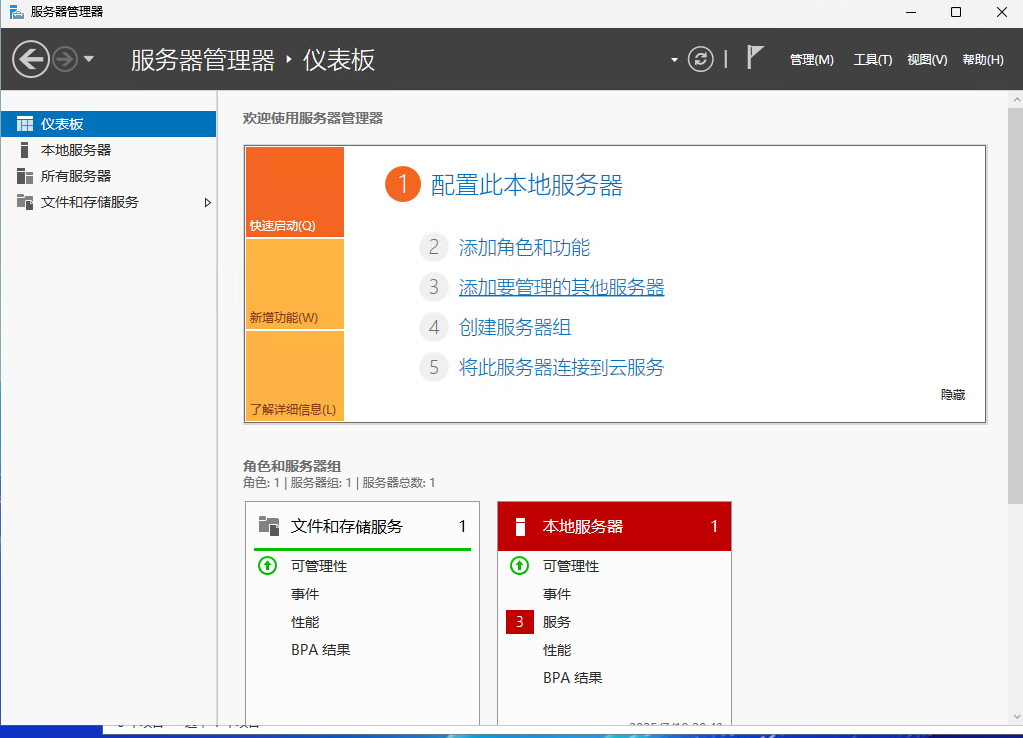
Server Manager
It can be thought of as:
Server Manager is a combined “app store + system monitor + service manager” for Windows Server.
__
Concepts
Registry
The Windows Registry is a centrally managed database of system configuration. It stores:
- Operating-system settings (such as network configuration, drivers, and services)
- Application configuration
- User configuration (such as desktop wallpaper and the default browser)
- Startup items, system policies, security policies, and more
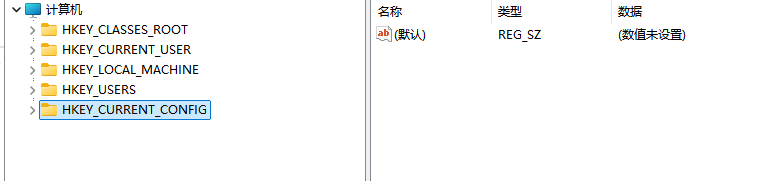
Registry structure
It consists of keys and values, with a hierarchical filesystem-like structure.
HKEY_LOCAL_MACHINE
    └── SOFTWARE
        └── Microsoft
            └── Windows
                └── CurrentVersion
                    └── Run
                        → 启动项列表
The five root keys:
| Root key name | Description |
|---|---|
| HKEY_LOCAL_MACHINE (HKLM) | System-wide settings |
| HKEY_CURRENT_USER (HKCU) | Settings for the currently logged-in user |
| HKEY_CLASSES_ROOT (HKCR) | File associations and COM object information |
| HKEY_USERS (HKU) | Configuration for all users (HKCU is a subset) |
| HKEY_CURRENT_CONFIG (HKCC) | Current hardware configuration |
A registry key can have multiple values.
Common value types:
| Type | Name | Description |
|---|---|---|
REG_SZ | String value | Common text |
REG_DWORD | Double word | Usually used for switches (0/1) or numbers |
REG_BINARY | Binary | Raw data |
REG_MULTI_SZ | Multi-string | Multiple paths or parameters |
Actual storage locations of hives and their mapping relationships
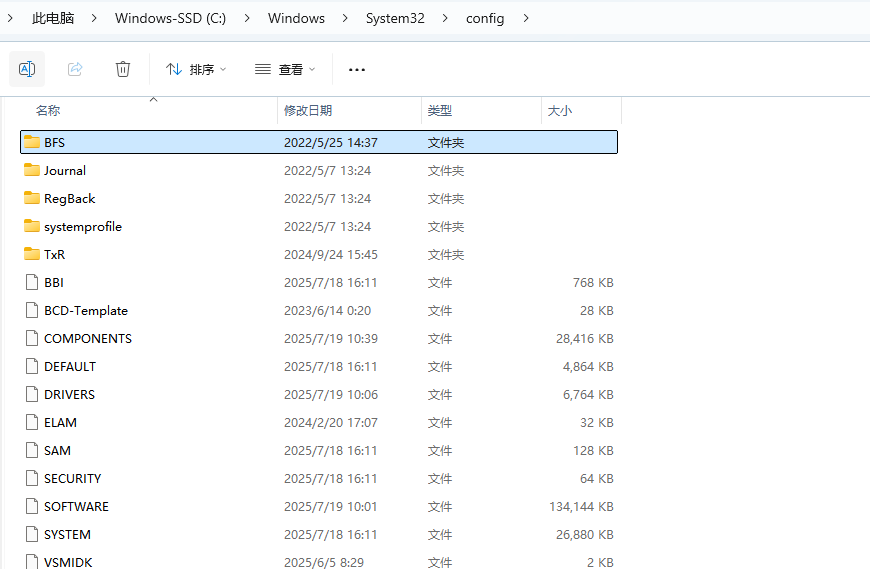
| Hive file path (system disk) | Mapped registry key |
|---|---|
C:\Windows\System32\config\SAM | HKLM\SAM(account information) |
C:\Windows\System32\config\SYSTEM | HKLM\SYSTEM(system settings) |
C:\Windows\System32\config\SOFTWARE | HKLM\SOFTWARE(program settings) |
C:\Windows\System32\config\SECURITY | HKLM\SECURITY(security policies) |
C:\Windows\System32\config\DEFAULT | HKU\.DEFAULT(default user settings) |
C:\Users\<用户名>\NTUSER.DAT | HKCU(current user settings) |
C:\Users\<用户名>\AppData\Local\Microsoft\Windows\UsrClass.dat | HKCU\Software\Classes |
Daemons
In Windows, the equivalent of a daemon is a Windows Service: a program that runs in the background without user interaction.
IPS
Windows Handles
Important Folders
Temp Folder 📂
C:\Windows\Temp is Windows’ primary temporary folder. Its main purpose is to provide a place for the operating system itself, as well as services and applications running with system privileges, to store temporary files.
%UserProfile%\Recent
You can enter WIN+R directly to open the location.
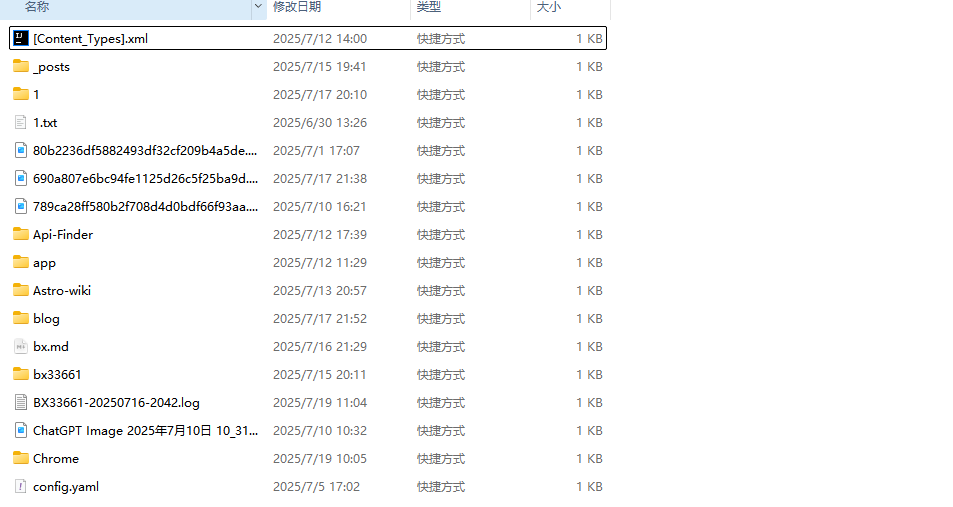
Whenever you open a file (such as a document, image, or video) or visit a folder on your computer, Windows automatically creates a small shortcut to it in the Recent folder (a .lnk file).
These shortcuts provide data for Windows features such as Recent Items and Quick Access. For example, the “recent files” list in File Explorer’s Quick Access is generated by reading the contents of this folder.
Therefore:
Basically, whenever you interactively open or access a file, folder, application, or even a drive, the system creates a shortcut (.lnk file) here as a record.
Important Applications
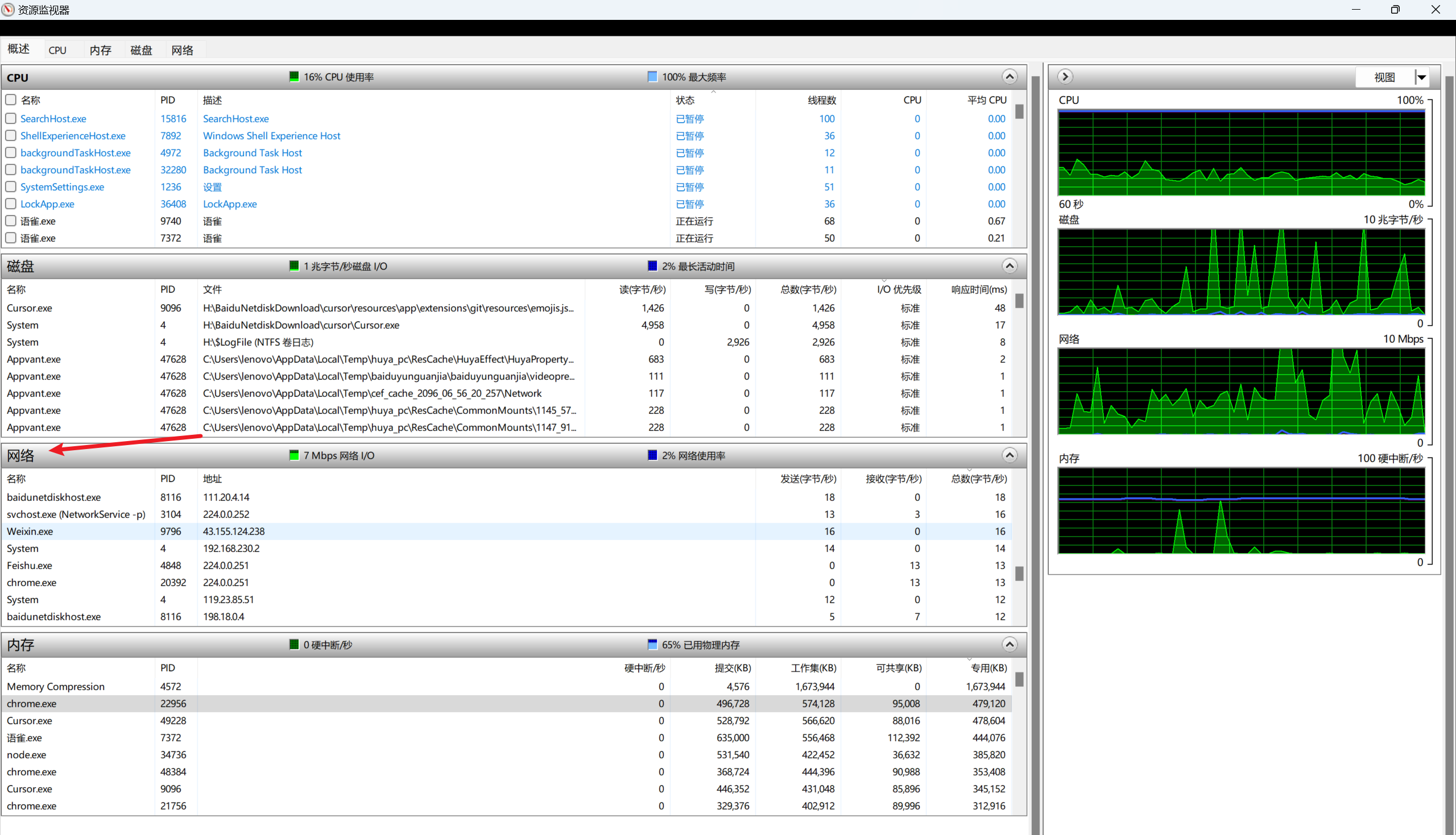
Resource Monitor
Use it to investigate anomalous activity.
For example, cryptocurrency-mining programs often have very high CPU usage.
You can inspect it here:
Some anomalous behaviors:
| Behavior | How to identify it |
|---|---|
| ✅ Reverse shell | An unfamiliar process (such as notepad.exe) connects to an external IP (unusual) |
| ✅ C2 communication | It connects to an overseas IP every few dozen seconds; traffic is low but persistent |
| ✅ Persistent backdoor | A process continuously listens on a local port (such as 4444), but no service is registered in the system |
Look up details in Task Scheduler.
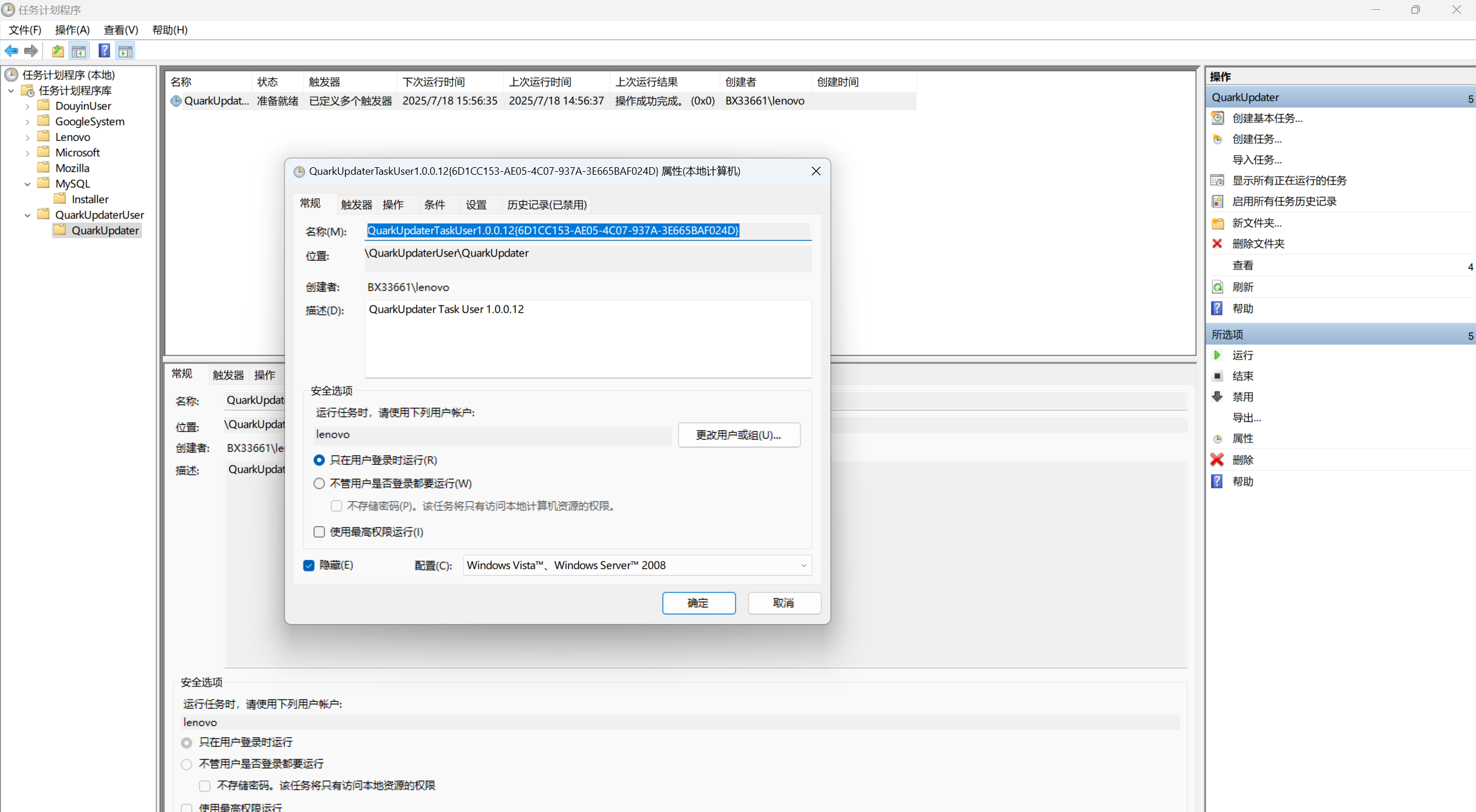
QuarkUpdaterTaskUser1.0.0.12{6D1CC153-AE05-4C07-937A-3E665BAF024D}
The characters at the end are a unique GUID identifier, which makes it easy to identify.
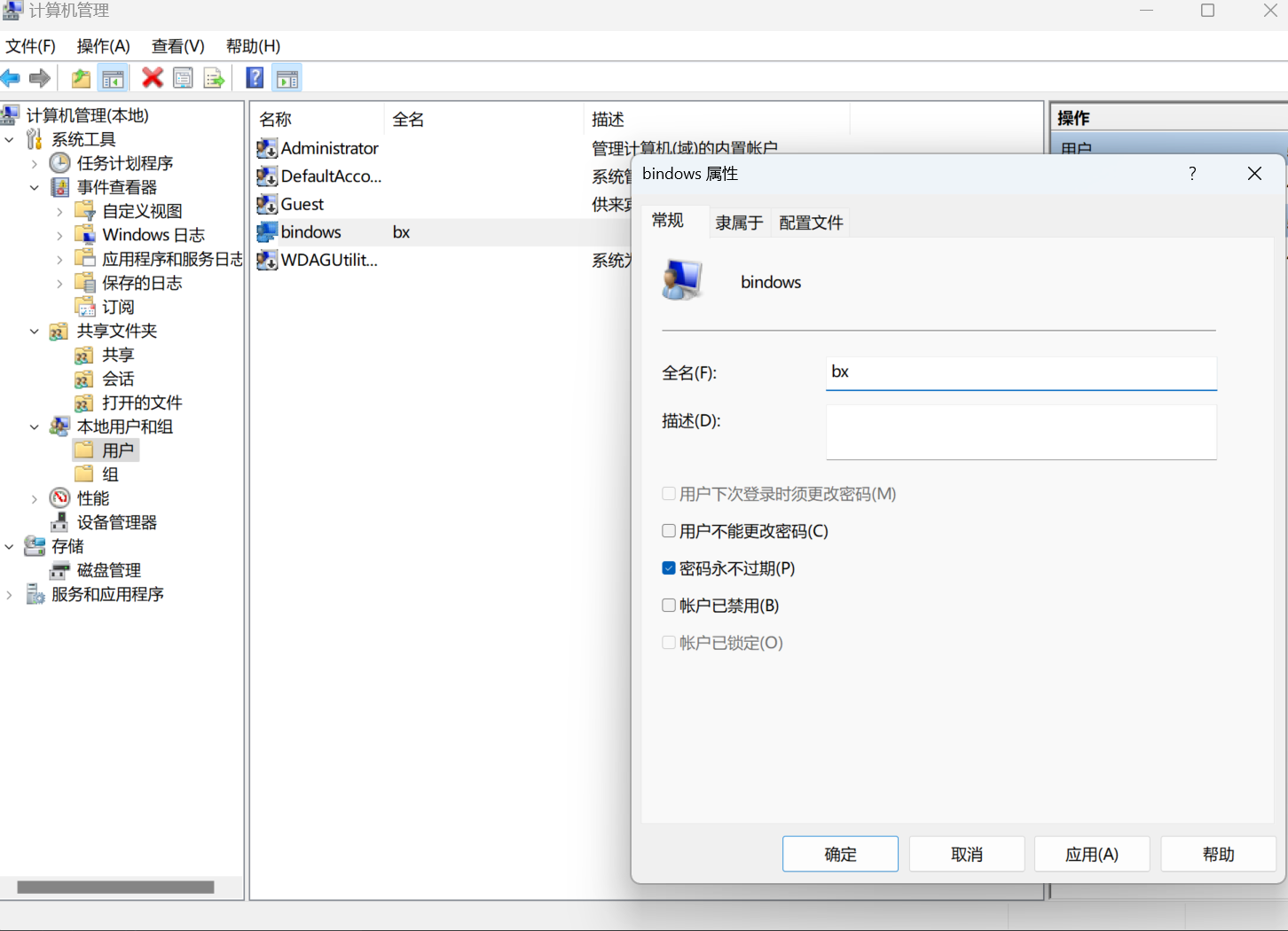
Local Users and Groups in Computer Management
A Few Tips to Try
Everything
Everything is a very convenient program that can help us quickly locate things.
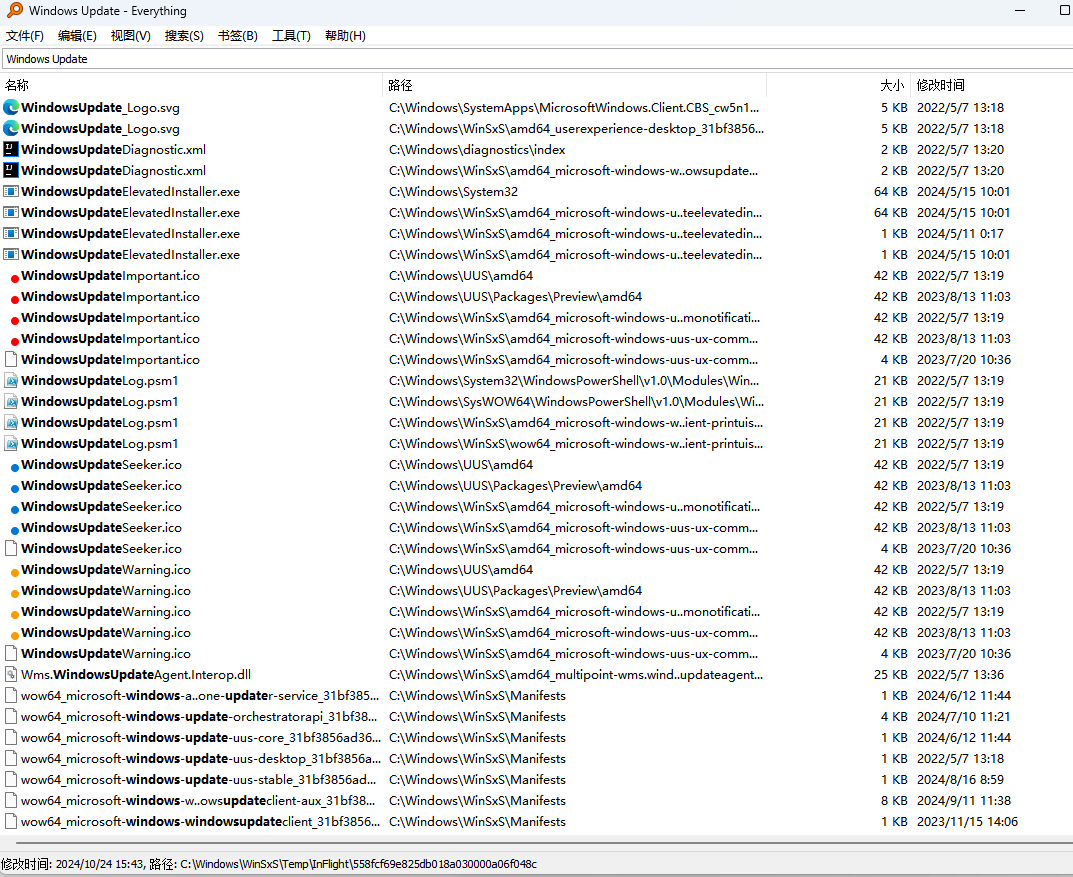
For example, when a malicious file drops other malicious files after we trigger it,
Everything can quickly help us see what new items have appeared
and then locate where they were dropped.