
Burp Suite Usage Notes
Burp Suite proxy interception, request filtering and modification, Target, Scanner, Collaborator, Decoder, Comparer, and common configuration issues.
9/21/2024
Burp Miscellaneous Notes
Official Brupsuite website: https://portswigger.net
Supplementary BP study: Burpsuite operation principles, packet-capture tips, miscellaneous filtering, quick request-method changes, global search (search), module introductions, using the Target module, BP vulnerability scanning, Collaborator, Decoder, Comparer, Organizer, troubleshooting, and fixing the BP cursor.
How Brupsuite Works
Initial setup: a browser runs on the local machine at 127.0.0.1. When it visits a webpage, it sends traffic from a random port. With Burpsuite, the browser on the local machine uses 127.0.0.1:8083 as its proxy. All traffic sent from the local browser passes through the proxy (127.0.0.1:8083), as does all traffic returning to it. The Burpsuite Listener is chained with the proxy (127.0.0.1:8083), and can intercept all network traffic passing through the proxy, mainly HTTP and HTTPS. As a man-in-the-middle, Burpsuite can modify client requests and server responses in various ways.
Normally, we cannot obtain readable plaintext HTTPS packets, but using Brup as a man-in-the-middle lets us capture the packets.
Tips
- Some path settings in BP require paths containing only English characters.
Miscellaneous Packet-Capture Filters
- Use ProxyOmage or Firefox proxy filtering; a few common ones have been added.
*.firefox.com
 *.firfox.com.cn
 *.firefoxchina.cn
 *.google.com
 *.mozilla.org
 *.bitwarden.com
 *.qq.com
 *.bing.com
 *.baidu.com
 *.github.com
 *.cnblogs.com
 *.csdn.net
 *.gitee.com
HTTPS certificate information can be viewed directly in the browser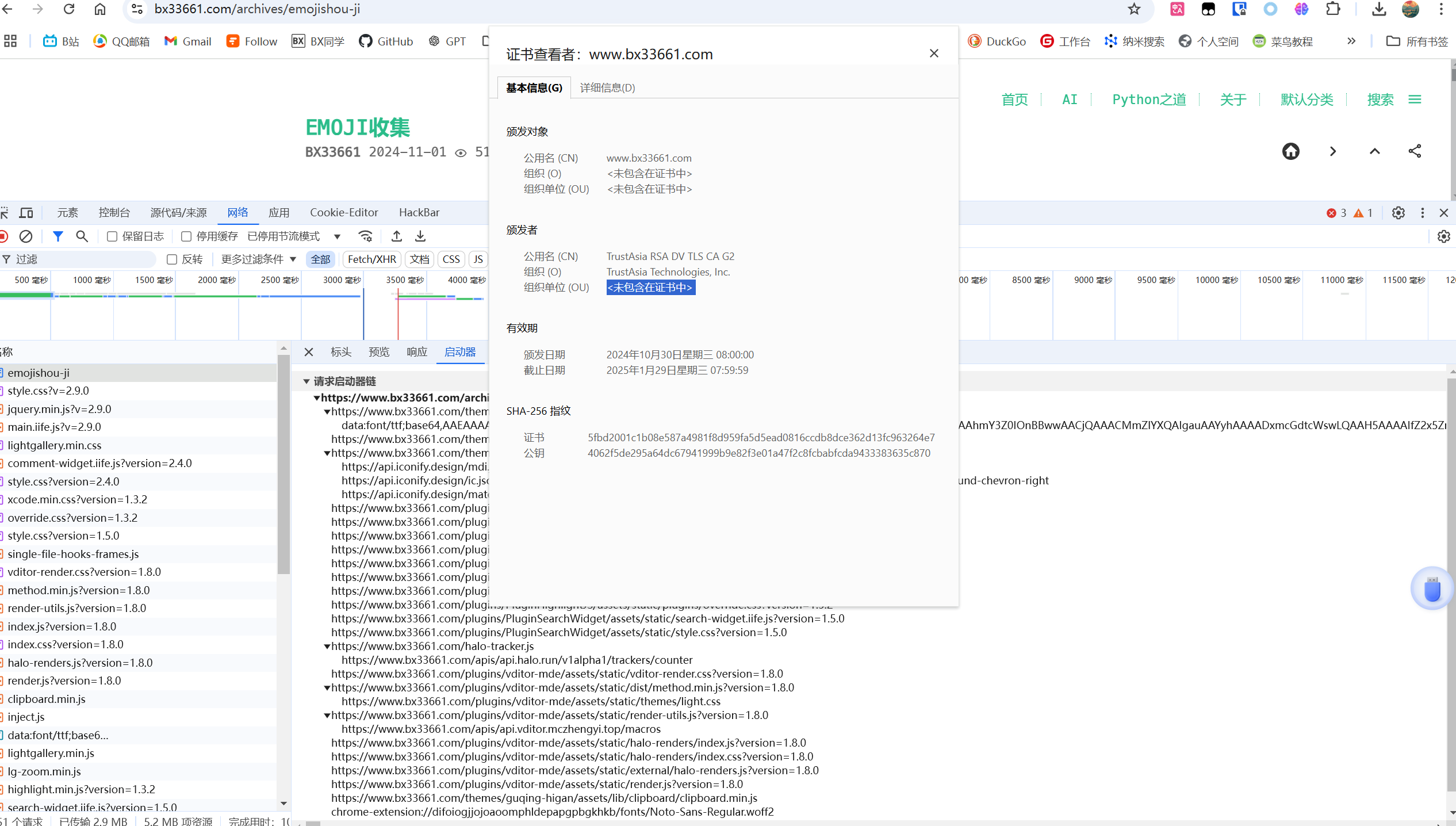
Quickly Change the Request Method
Quickly switch between GET and POST requests.
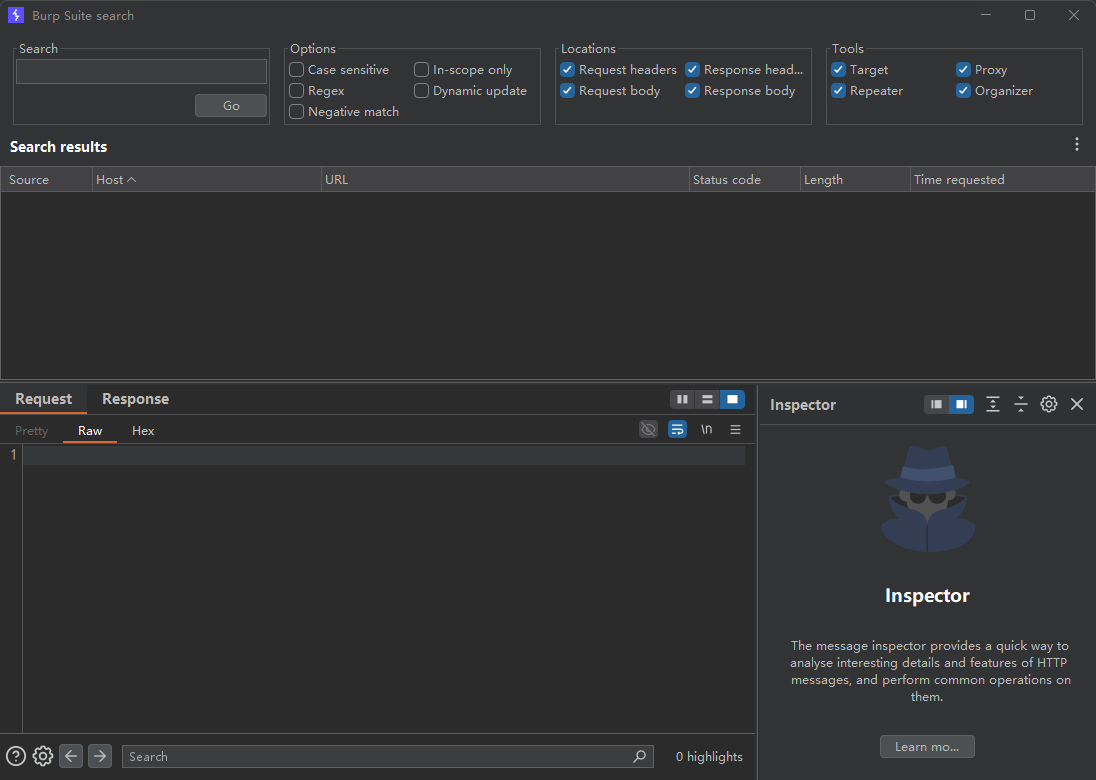
Global Search (search)
Search across everything in BP.
Module Introduction
Target Module
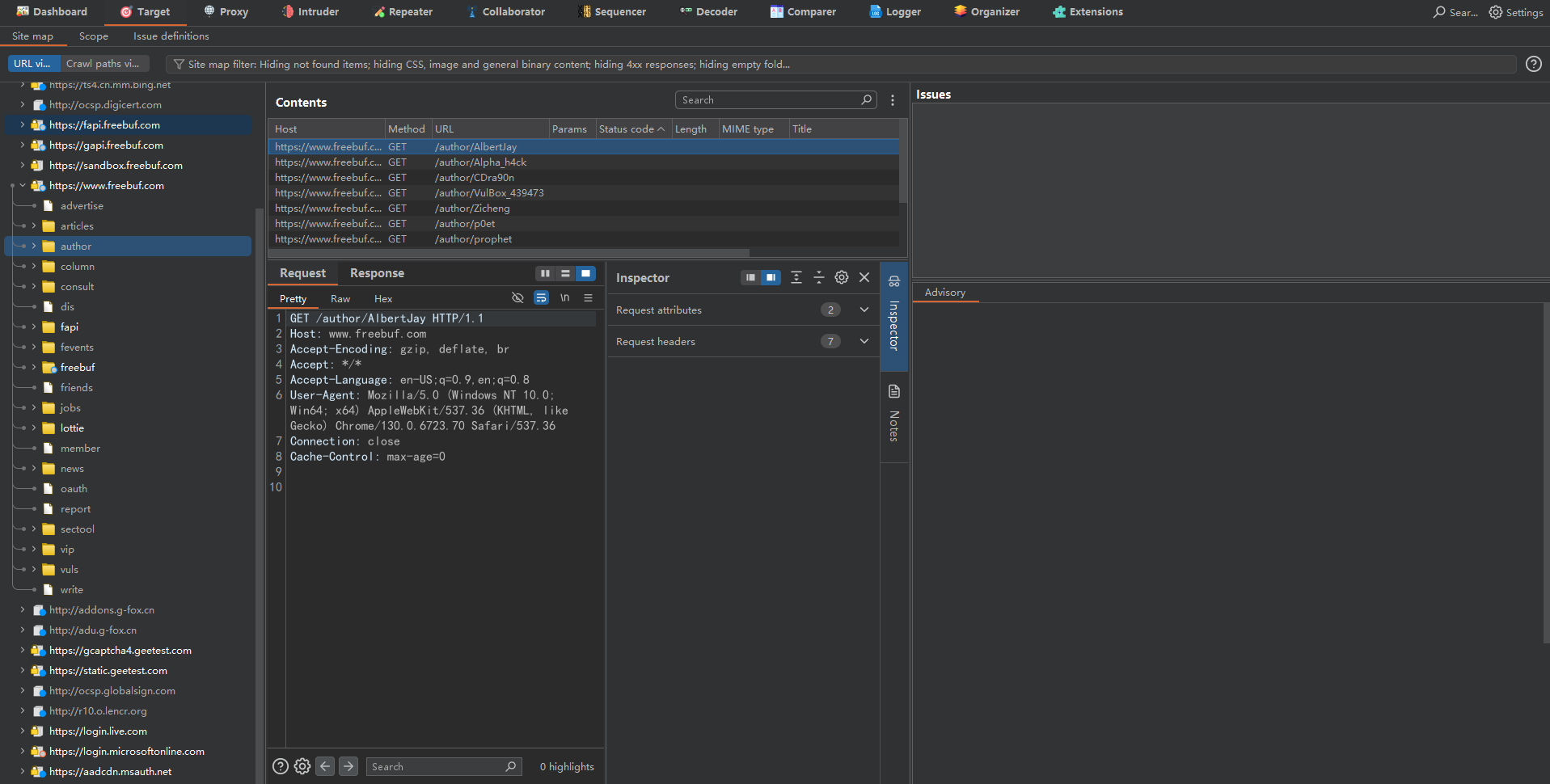
- Site map
This is the site map. After enabling vulnerability scanning, it automatically crawls the site map.
You can get a general view of the website structure.
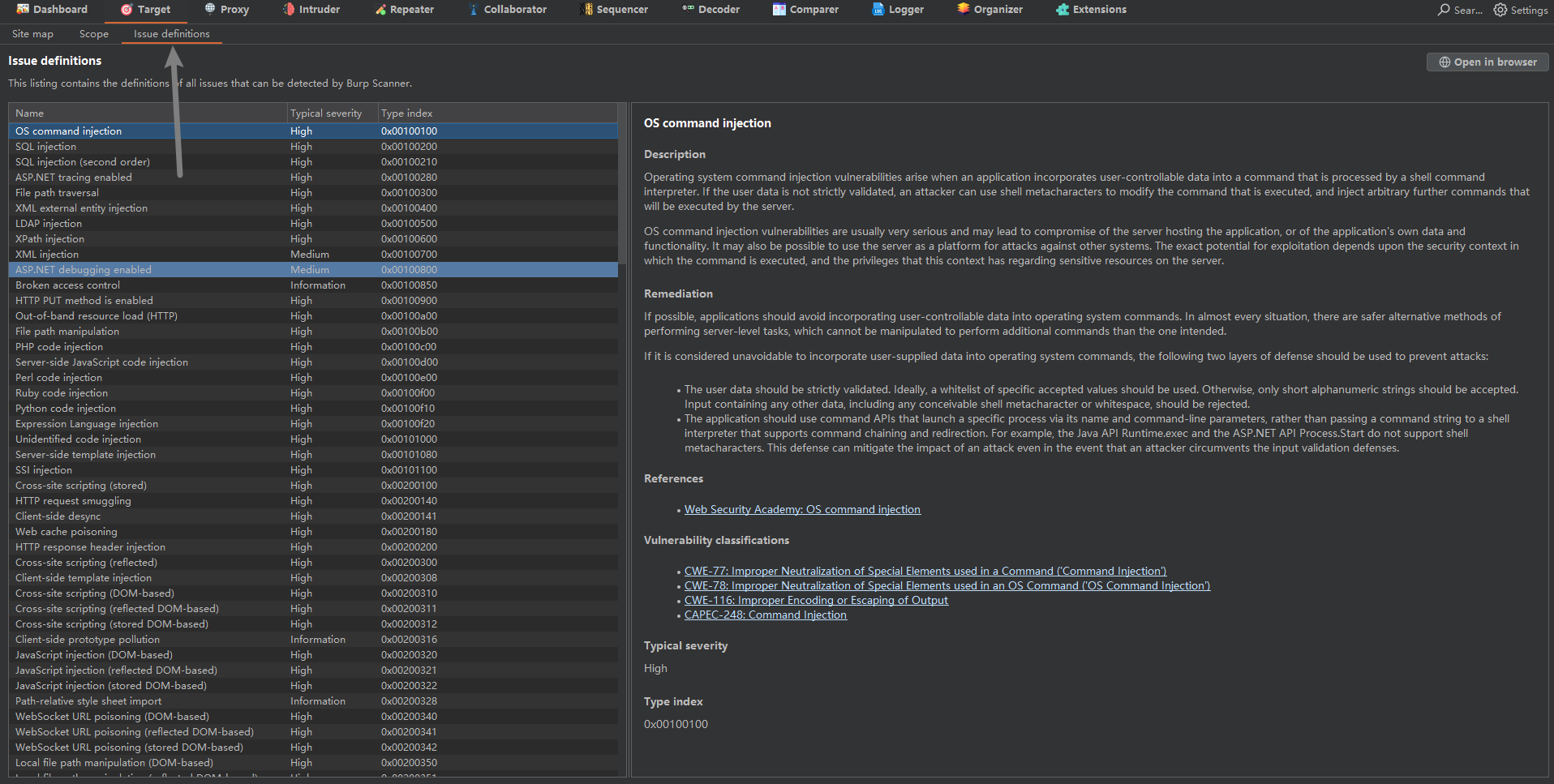
- Issue definitions
This is the vulnerability repository, which provides passive BP scanning.
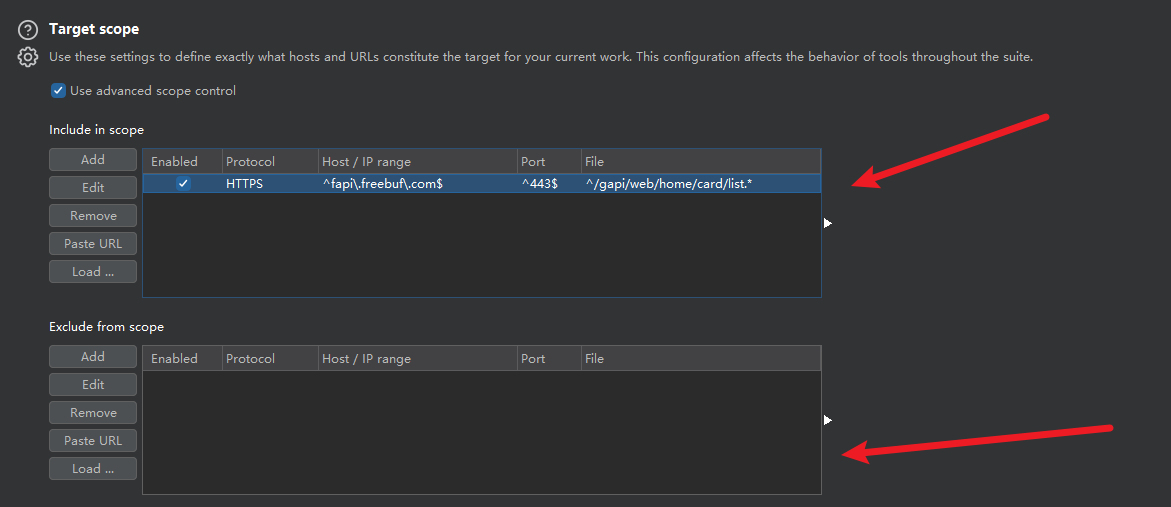
- Scope
This acts as a filter.
The section above is for adding items you want to see.
The section below is for removing items.
Using BP Vulnerability Scanning
This is just an introduction to BP and a demonstration of this feature; it is not used much in practice.
BP’s scanning capabilities are not very strong.
Use a test site: http://testphp.vulnweb.com/
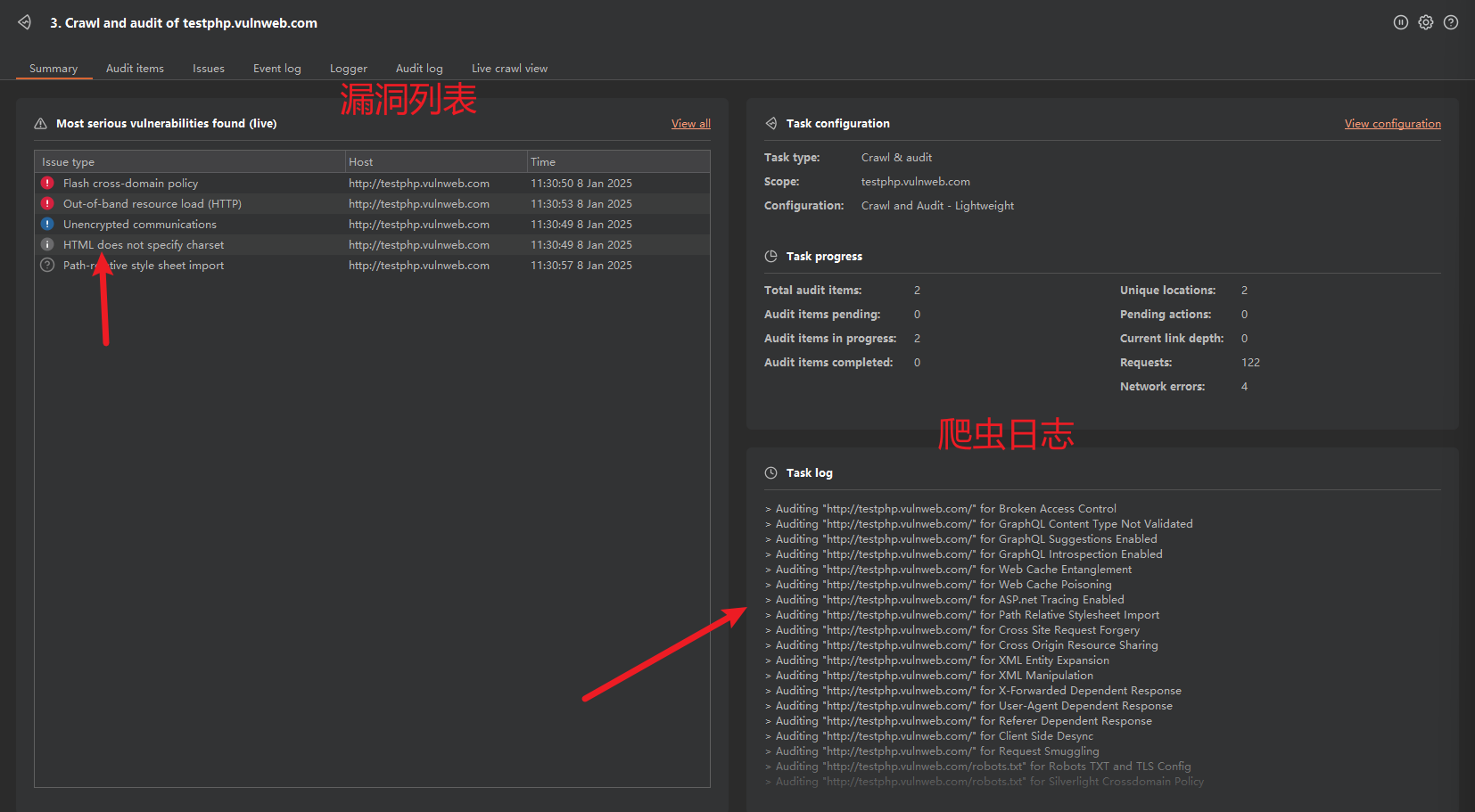
Create a scan target from the Dashboard.
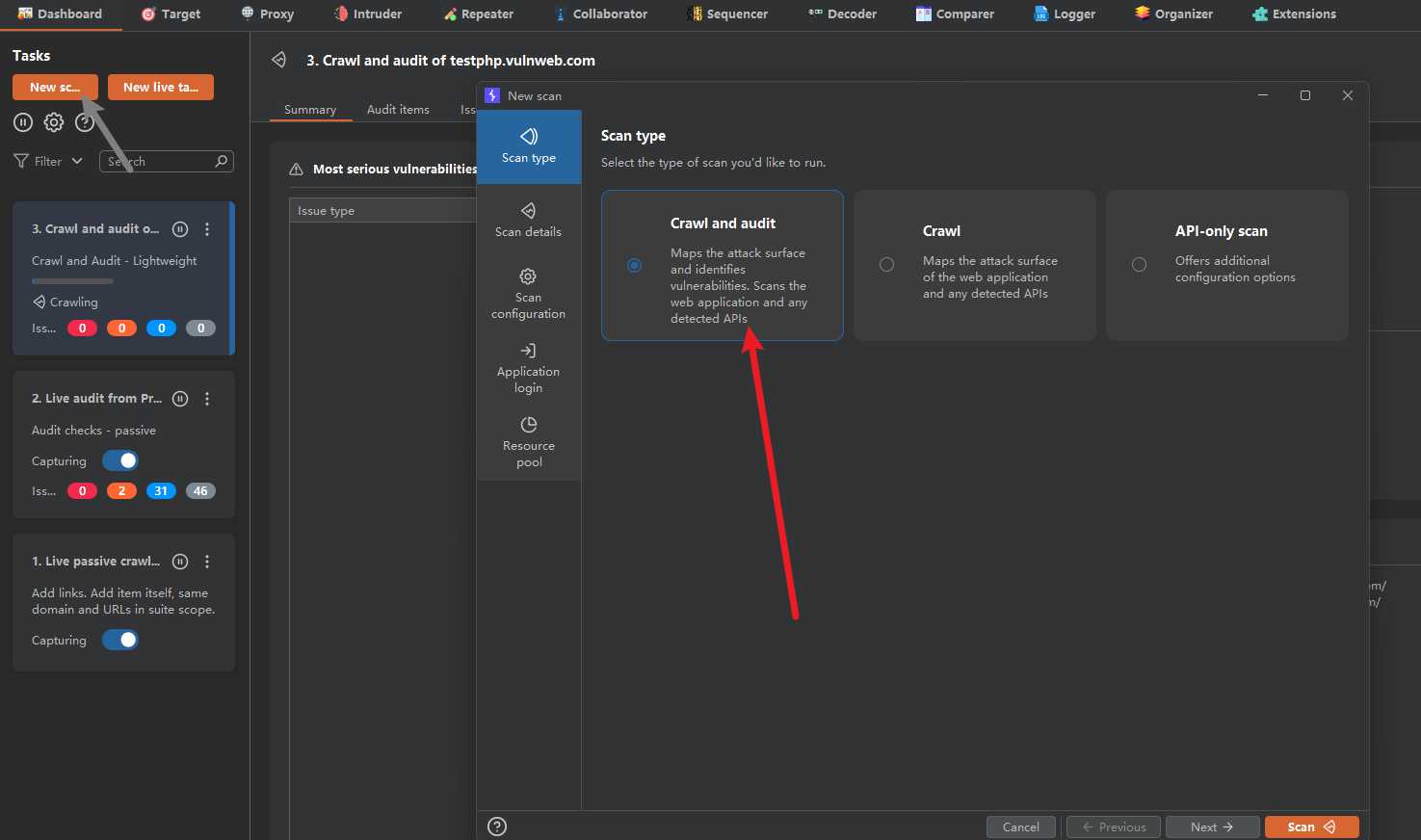
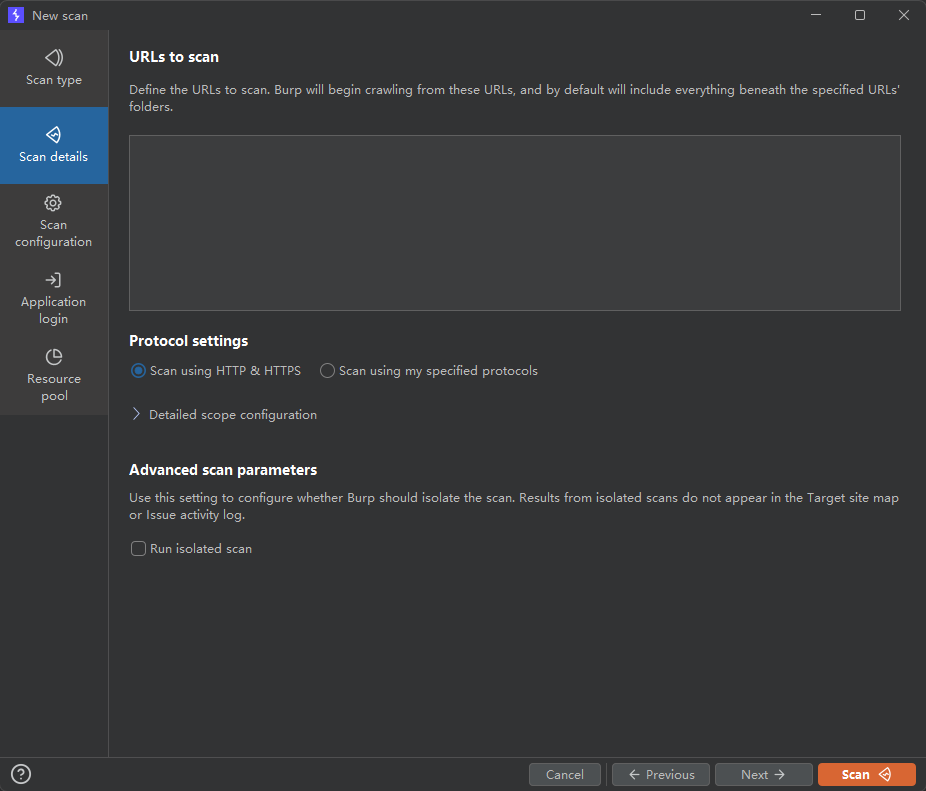
Enter the scan target.
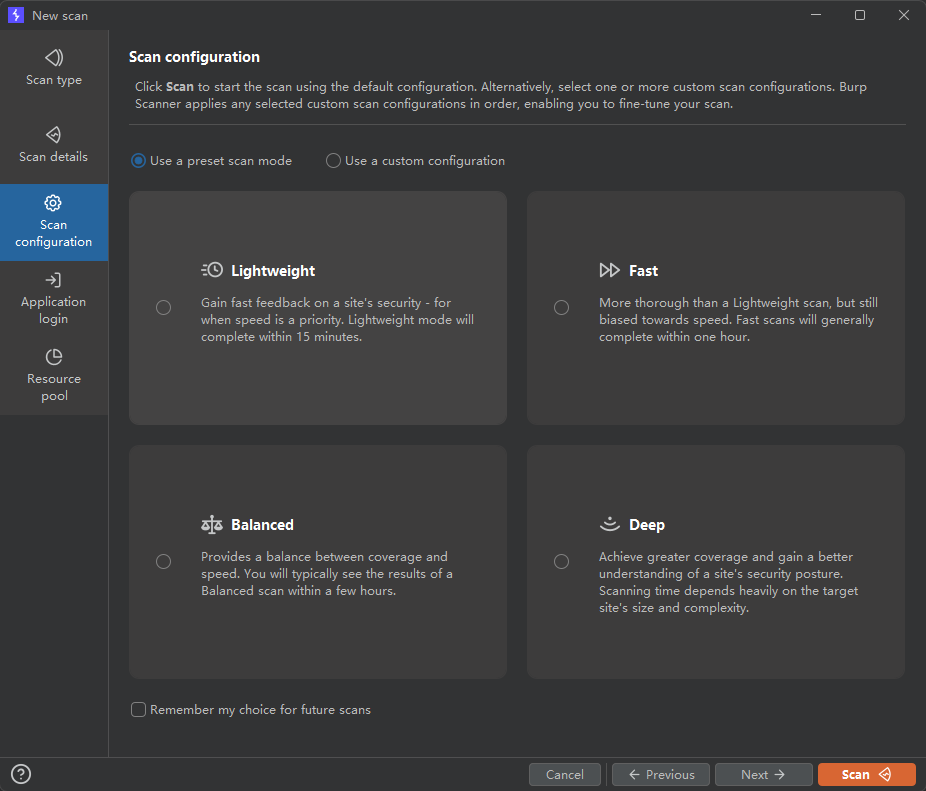
Choose the scan method and crawler depth.
There are four options, each with a different duration and depth.
The results appear on the dashboard.
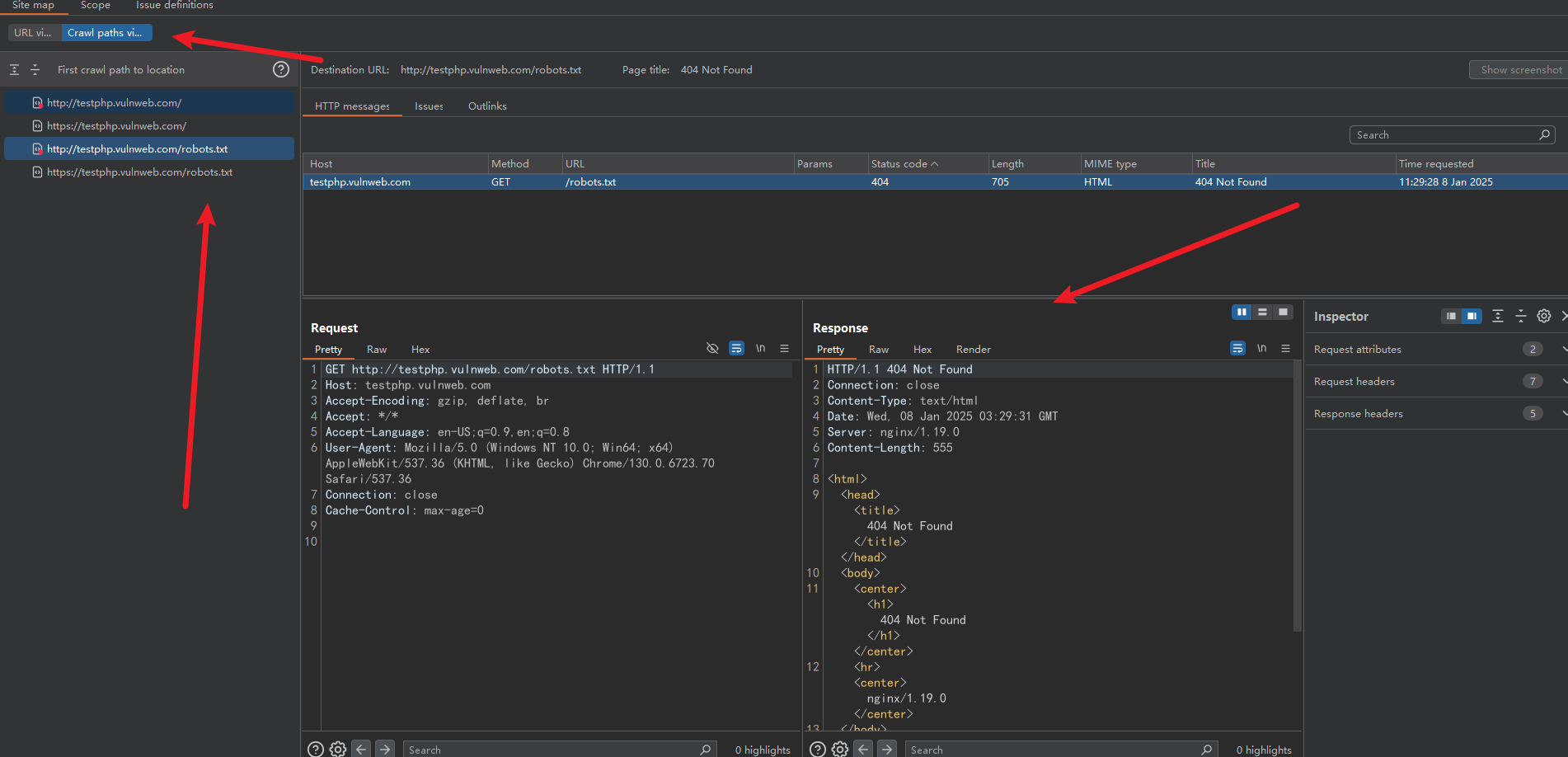
Then go to Crawl… under Site map in the Target module.
There was nothing initially, but after an active scan, it shows the problems found, their details, and URLs.
Collaborator Module
BP’s out-of-band interaction module.
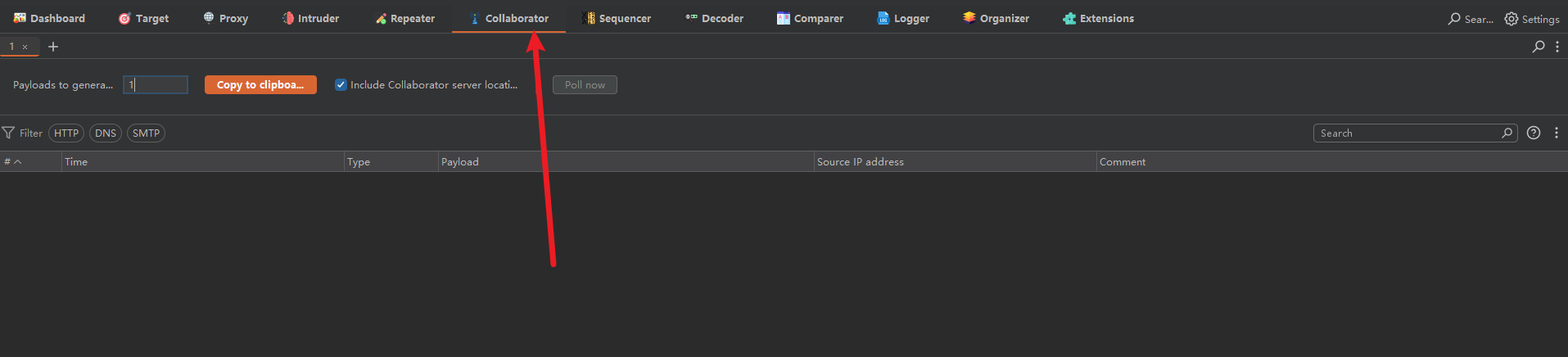
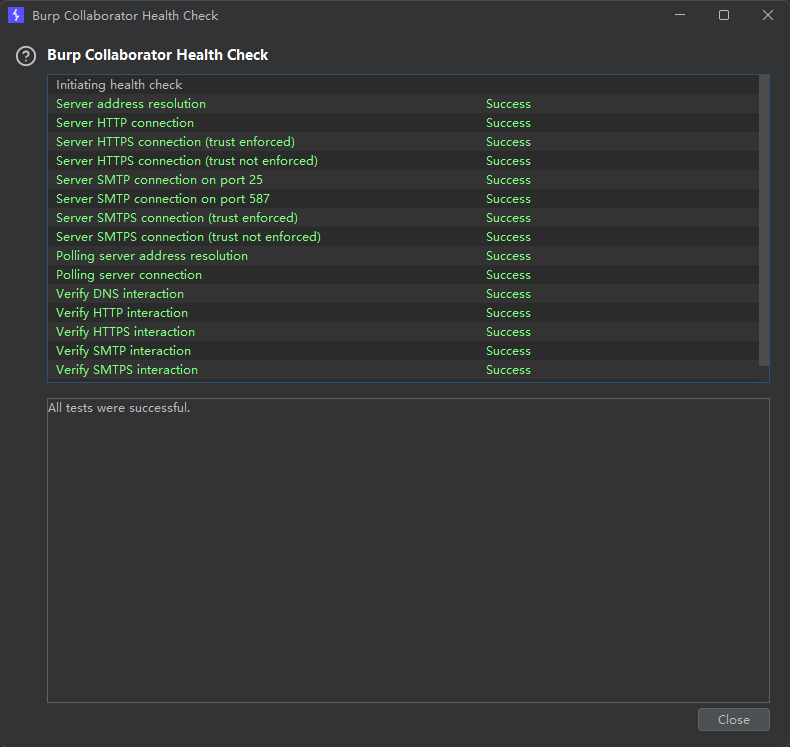
To use it, first run a run health check.
Check whether the function is working.
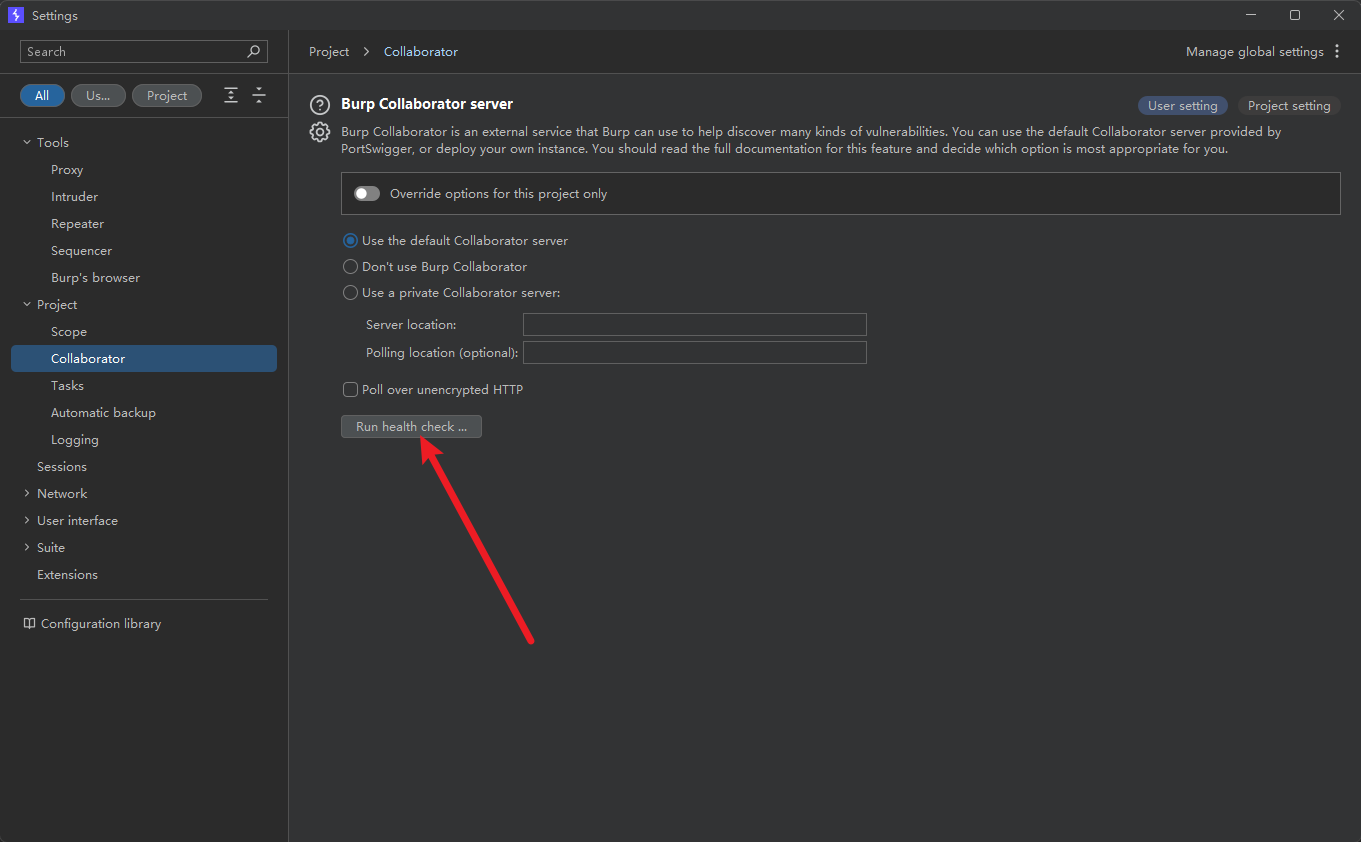
Check whether it is working properly.
utr96icgoeo2w5da3lvzprhs8jea20qp.oastify.com
We can obtain a DNS log.
Let’s try visiting it.
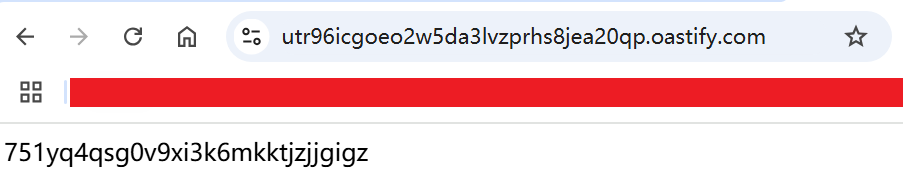
Return to the module interface.

Decoder Module
Encoding and decoding module that supports common encodings and decodings.

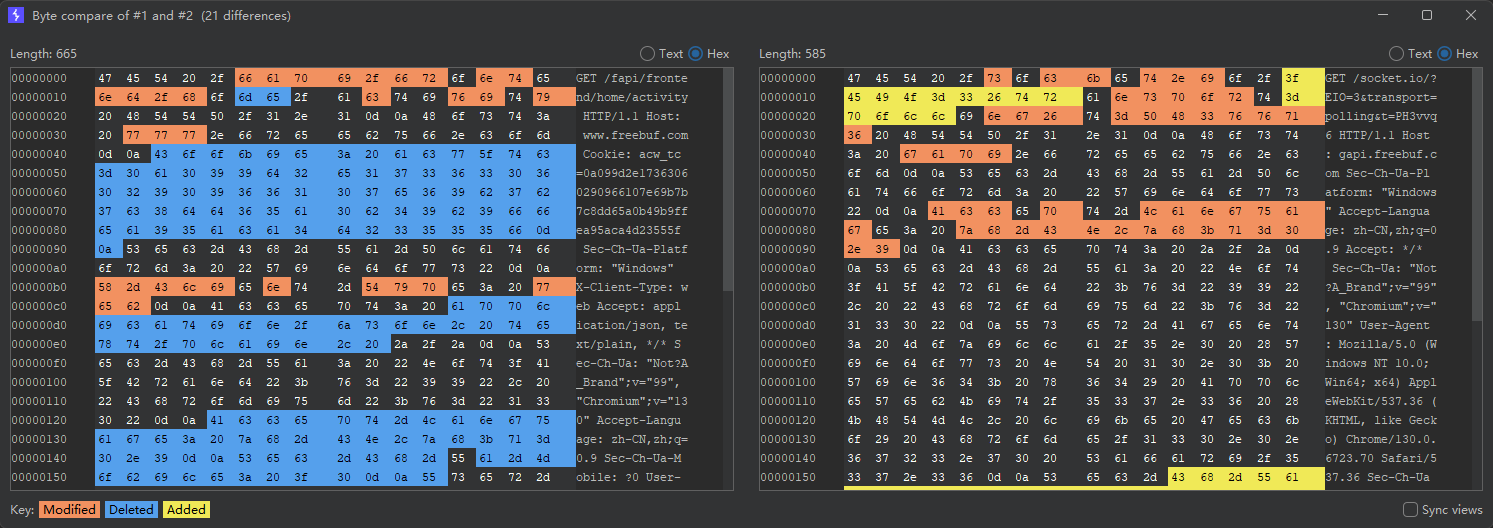
Comparer Module
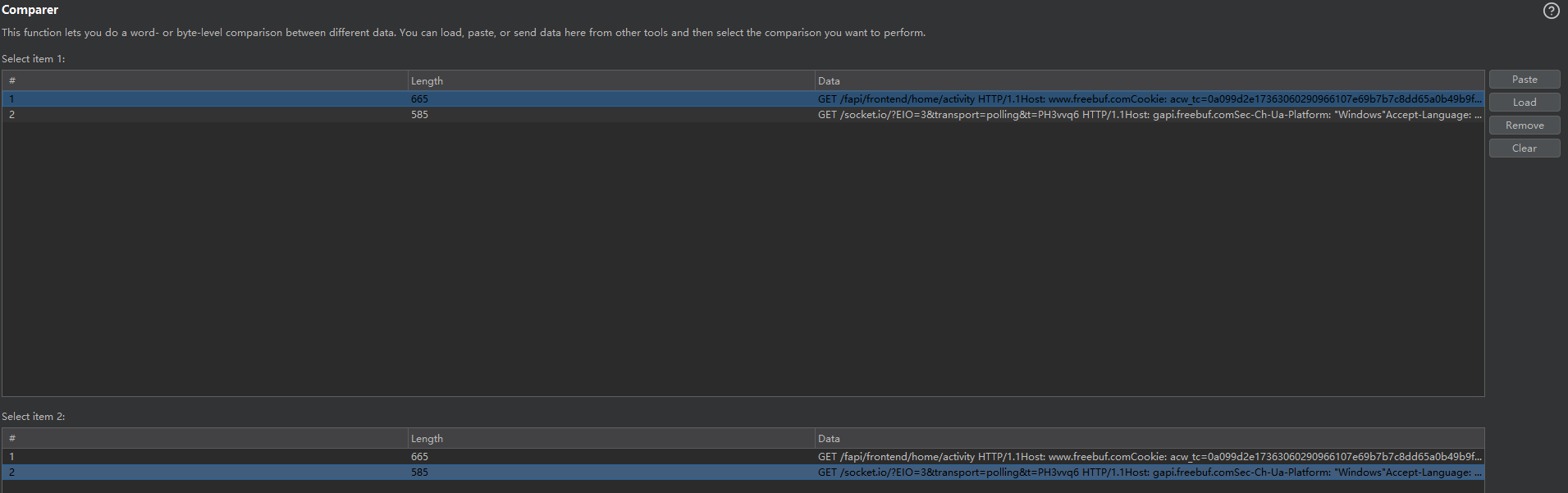
- Compare Words
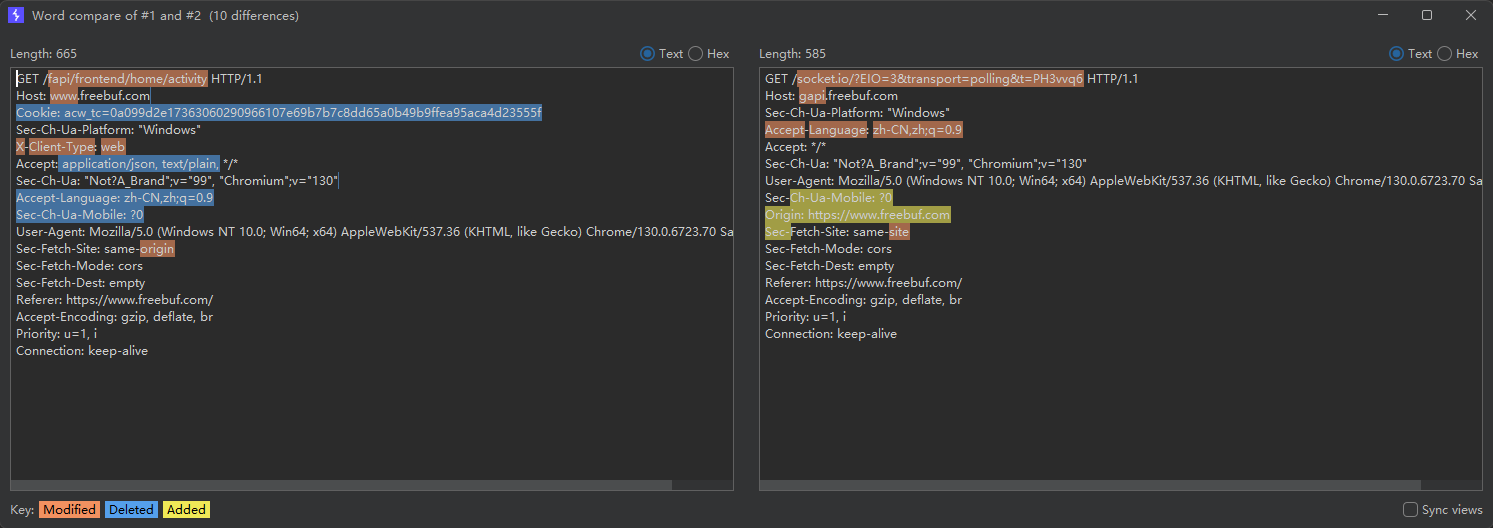
- Compare Bytes
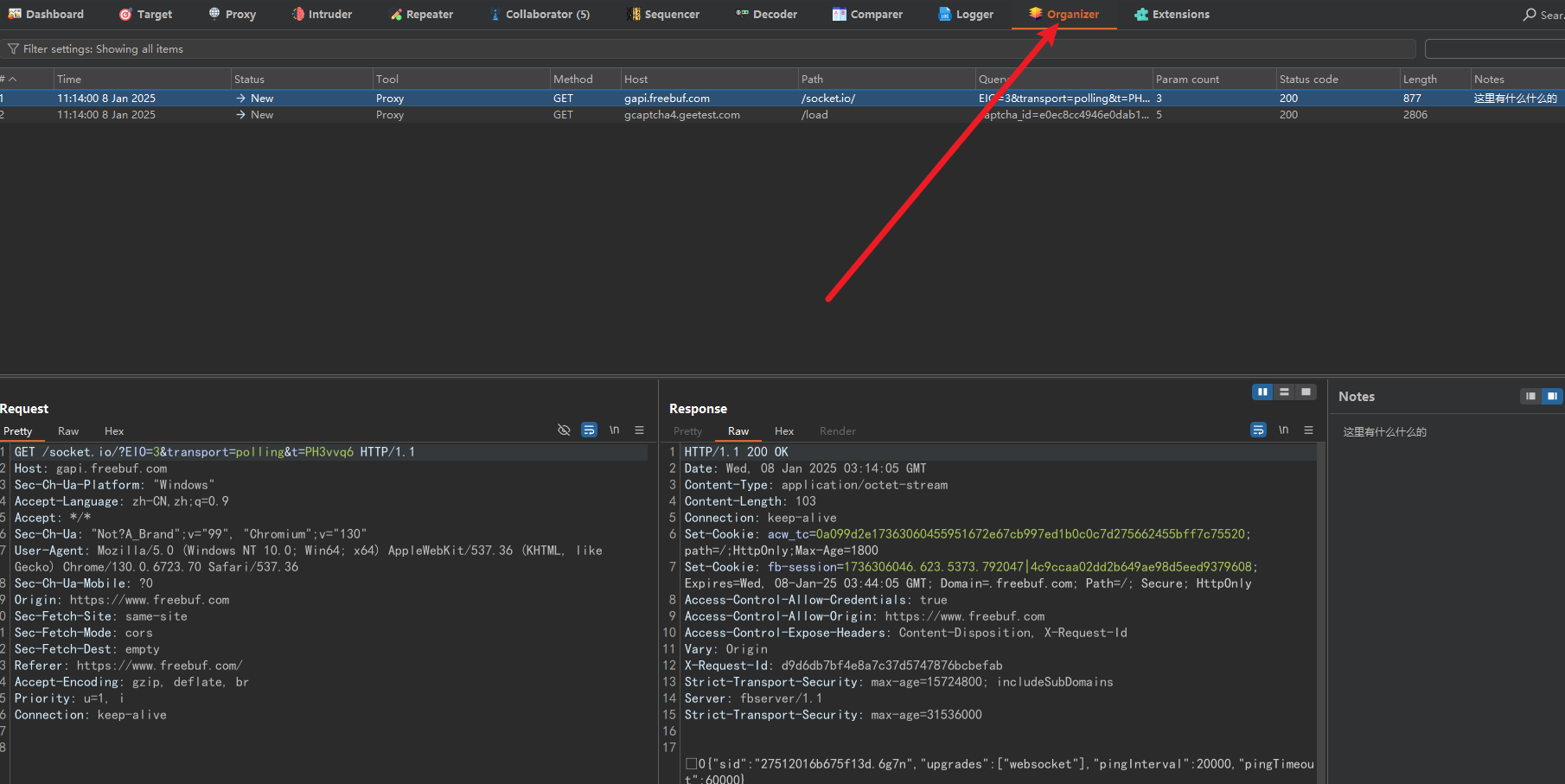
Organizer Module
Primarily for taking notes—for example, recording findings and statistics at the end so you don’t forget. First send notes to this module for recording.
You can write things in Notes.
Troubleshooting
BP Cursor Looks Wrong
Change the default font to a suitable one.

For the connection between mini-program traffic capture and code analysis, see Automated Security Auditing of WeChat Mini Programs in Practice, which records how package decoding, API organization, identity matrices, and case reports relate to each other.